This AIApply Auto Apply review explains what the service actually does once you pay for it: how jobs are matched, how much control you keep, how credits are spent and where it falls short. It is based on AIApply's own help center and product pages, checked on 13 November 2026.
For the full picture of AIApply's pricing, refund policy and other tools, read our main AIApply review. If you are still comparing products, browse the AI career tools category.
What is AIApply Auto Apply?
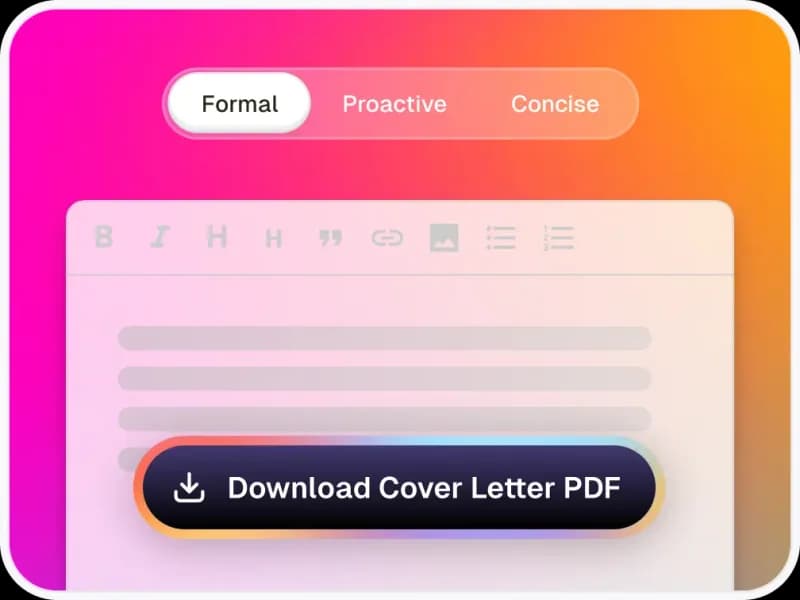
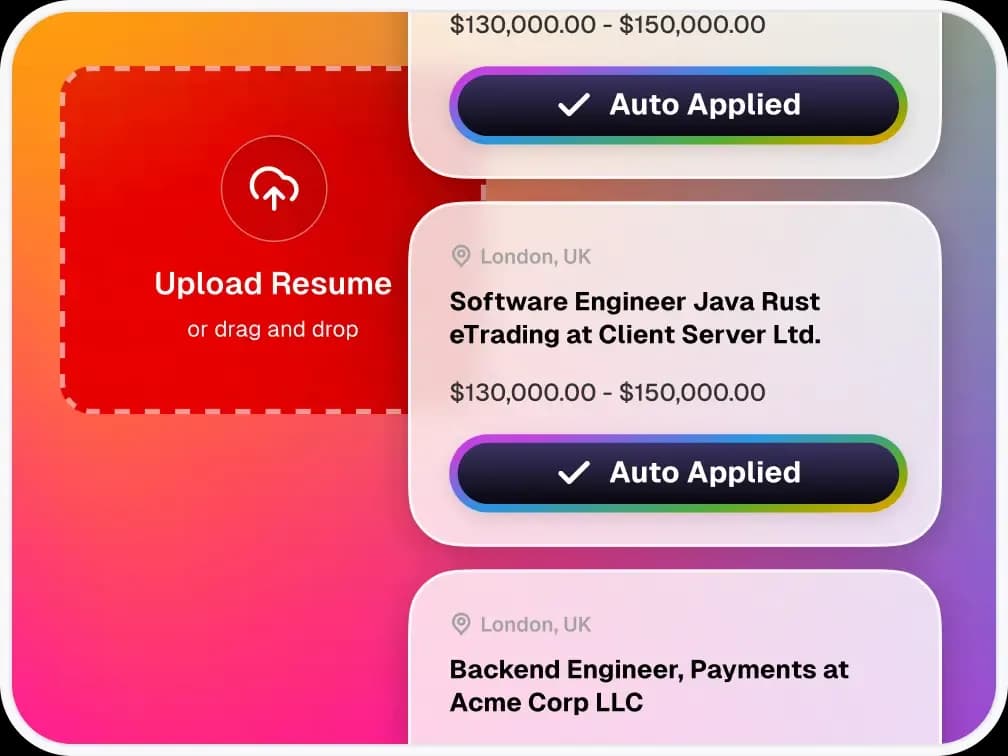
AIApply Auto Apply is a paid service that finds jobs matching your profile and submits applications for you. Each application goes out with a resume and, when the employer asks for one, a cover letter.
According to the How Auto Apply works article, it can handle multi-step application forms, custom questions and extended forms. It fills them using your profile, your preferences and a store of saved answers called the Answer Library.
It is sold separately from AIApply's Premium toolkit. Premium covers the resume builder, cover letters and interview practice; it does not customise anything Auto Apply sends.
How does Auto Apply find and submit jobs?
It matches you mainly on your resume, then filters by job title, location and salary. The help center says the search runs continuously while your queue is active, so you do not need to trigger it.
The process has five stages:
- You upload a resume or build one in the AIApply editor.
- You set job titles, locations, work type, salary and companies to avoid.
- AIApply scans listings and labels each match as Top, Strong, Good or Potential.
- It prepares the documents and submits the application.
- You track every application, including the documents and answers sent.
AIApply says its internal scraper collects over 1,000,000 jobs a month and that Auto Apply searches "across multiple platforms". It does not name any job board or applicant tracking system it supports. Jobs on systems it cannot drive are skipped without using a credit.
What are the three Auto Apply modes?
You choose how much the tool decides on its own: Auto, Hybrid or Review.
- Auto Mode applies to every matching job without asking. It uses credits fastest.
- Hybrid Mode applies automatically when the fit score is 75 or higher and holds the rest for your review.
- Review Mode sends nothing until you approve each job.
In Hybrid and Review modes, matching pauses when your review queue is full. You can set that queue between 5 and 100 jobs. If you stop checking it, the status changes to "Idle: User Inactivity" and applications stop.
How much does AIApply Auto Apply cost?
Auto Apply costs $49 per month for 100 applications, $99 per month for 250 or $199 per quarter for 750. These are AIApply's published prices as of November 2026.
- Tailored Resume add-on: $12 per month
- Tailored Cover Letter add-on: $12 per month
- Search Only plan: $12 per month, with matching but no new credits
- Credit top-ups: from $49 for 100 up to $499 for 2,000 applications
Two details matter before you buy. First, a $199 top-up gives 600 credits while the $199 quarterly plan gives 750, and the help center does not explain the gap. Second, each extra target role needs its own subscription, with its own resume, queue and credits.
Current deals, if any, are listed on our AIApply coupons page. You can visit AIApply to check the live checkout price.
How are credits charged?
One credit is used for each application that is actually submitted. Failed attempts caused by site errors, broken forms or expired postings do not use a credit, according to AIApply's credit documentation.
AIApply says Auto Apply submits more than 90% of applications successfully. It cannot complete ID uploads, video submissions or other verification steps, so those applications fail.
Unused credits roll over while your subscription is active. If you cancel, they are lost, and reactivating starts from zero. That makes pausing a better choice than cancelling during a short break.
How many applications can it send per day?
You can set a daily limit between 10 and 100 applications per role. AIApply describes 100 as the maximum, so no plan sends more.
On day 1, flexible criteria, Auto Mode and a high limit usually reach the daily cap. AIApply notes that the 100- and 250-credit plans can run out within the first week this way. The best matches are queued first, so fit scores tend to drop later in a search.
What are the limitations of Auto Apply?
The biggest limits are control and transparency. You can review the resume and cover letter only after they are sent unless you use Review Mode, and auto-tailored documents cannot be edited.
- No approval step before submission in Auto Mode
- You cannot upload your own cover letter for Auto Apply
- Supported job boards and applicant tracking systems are not listed
- ID, video and verification steps are not supported
- Credits are forfeited when you cancel
Employers are also wary of volume. In a Robert Half survey published in March 2026, 67% of HR leaders said AI-generated applications were slowing hiring. Accurate profile data and Hybrid or Review mode reduce the risk of poor applications going out under your name.
Who should use AIApply Auto Apply?
It suits people applying to many similar roles who would rather review results than fill in forms. Typical examples are graduates, career changers targeting entry-level roles and anyone with a clear, repeatable job title.
It is a weaker fit if you target a handful of employers, need a hand-written cover letter, or work in a field where applications require portfolios or video. For setup help, follow our step-by-step Auto Apply setup guide, and read our AIApply tips before you spend credits.
Is AIApply Auto Apply worth it?
It is worth it for high-volume job searches if you keep Hybrid or Review mode on and maintain a strong base resume. Start with the $49 monthly plan, watch the first week of matches and only then move to a quarterly plan.
Häufige Fragen
Passende Empfehlungen
Die Produkte, auf die dieser Ratgeber verweist – jeweils mit eigenem ausführlichem Test.
Mehr zu AIApply
Verwandte Beiträge
Mehr zum selben Thema.